

A field guide to IoT mobile app development: BLE pairing failures, device provisioning, offline command queues, and OTA firmware UX, with real costs and timelines.


Your device works. The firmware team proved it on the bench, the sensor data is clean, and the demo unit has run for a month without a hiccup. Then a customer takes one home, downloads the app, and gets stuck on the pairing screen. The review they leave doesn't mention your sensor accuracy or your battery life. It says "won't connect" and it carries one star.
We've shipped connected products and companion apps as part of 30+ projects delivered to production since 2024, and the pattern is consistent: IoT projects rarely fail on the hardware. They fail in the app, in four specific places. Bluetooth pairing, device provisioning, offline commands, and firmware updates. This guide walks through what breaks in each, mechanically, and what good IoT mobile app development services do about it before launch instead of after the first wave of returns.
Here's an opinion we hold strongly: hardware teams budget the companion app as a checkbox, and it costs them the launch. Your customer never sees the firmware. They see the app. Setup, control, notifications, updates, support: every touchpoint runs through the phone. A connected device that can't get through setup isn't a device with a software bug. It's a return.
Treat the app like the retail surface it is. The pairing flow deserves the same design and instrumentation as a checkout funnel, because that's exactly what it is: a sequence where every drop-off is lost revenue.
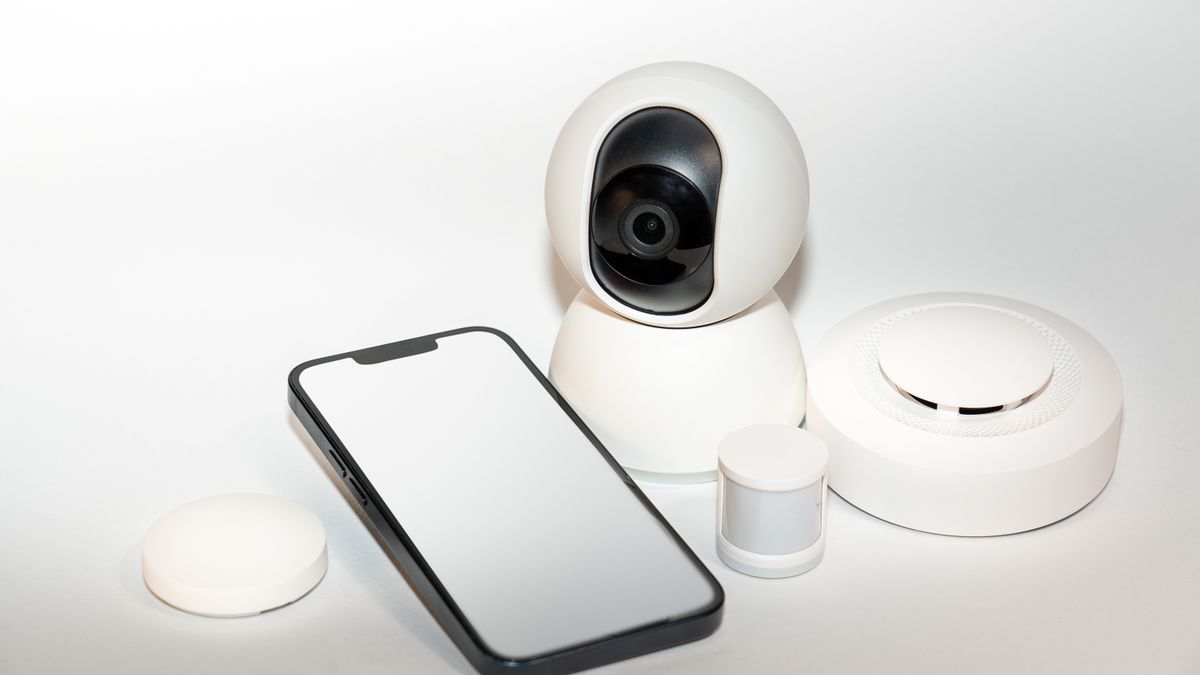
Bluetooth Low Energy is the default radio for consumer devices, and pairing is the single most common failure point in IoT mobile app development. Three mechanisms do most of the damage.
On Android 11 and earlier, scanning for BLE devices requires location permission, because scan results can reveal where a person is. So a smart plug app asks for location, the user reasonably denies it, and scanning silently returns an empty list. Android 12 added dedicated Bluetooth permissions, but older devices stay in the field for years. On iOS, decline the Bluetooth prompt once and the road back runs through the Settings app, where most users never go without step-by-step directions. Apple's Core Bluetooth framework fires that prompt on the app's first radio access, so time it deliberately, after the explanation screen, not on launch.
The rule we build to: every permission request gets a plain-language explanation before the system dialog fires, and every denial gets a recovery screen showing exactly where the switch lives.
Factory-reset a device and the phone still holds the old bond. The device no longer recognizes the phone, the phone believes they're still paired, and connections fail with no useful error. The app has to detect the mismatch and walk them through removing the stale pairing, or the protocol has to be designed so bonding isn't required at all.
Several Android manufacturers ship power managers that kill background processes far more aggressively than stock Android. Your reconnection service dies quietly, the device stops syncing, and reviews start saying the app "forgets" the device. Test on the cheap hardware your customers actually own, not the flagship on your desk.
Then instrument the whole funnel: scan started, device found, connected, bonded, provisioned, claimed. When one step quietly sheds users on a single Android brand, you want a dashboard telling you in week one, not a support queue telling you in month three.
Pairing gets the phone talking to the device. Provisioning gets the device onto the customer's Wi-Fi and into their account, and it fails in its own ways.
The 2.4 GHz trap comes first. Most low-cost IoT chips only join 2.4 GHz networks, while the customer's phone sits happily on the 5 GHz side of the same router. The app hands the phone's current network to the device, the device can't see it, and setup dies with a generic error. The fix is one line of product thinking: only offer networks the device can actually join, and say why.
Then comes claiming, the step that binds a physical device to a user account, and the step most first specs skip. The bench demo never asks what identity the device carries out of the factory, what happens when the customer sells the device and the next owner tries to claim hardware still bound to a stranger's account, or who else in the household gets control and how they get removed. A smart lock a former roommate can still open is not an edge case. It's a headline. Claim, unclaim, transfer, share, revoke: these flows are boring, load-bearing, and they belong in the first scope, not the second release.

Every IoT app hits the moment where the user taps a control and the device isn't reachable. What happens next separates production systems from demos.
The naive version queues the command and fires it whenever the device reconnects. Play that forward with a door lock. The customer taps open from the office, nothing visibly happens, they shrug and move on. Forty minutes later the device comes back online, replays the queue, and the deadbolt slides open with nobody home.
The engineering that prevents this is well understood. It just has to be built on purpose:
Optimistic UI is fine for a light bulb and dangerous for a lock. Sorting your controls into those two buckets takes an afternoon and prevents the worst support tickets you'll ever read.
From the field. Rope Access Logbook came to us from the industrial safety world: technicians who inspect wind turbines and bridges needed hours logged at remote sites with no signal, synced cleanly once back in coverage, with no duplicates and no losses. We shipped it in 8 weeks. "Codestreaks took our rough idea and turned it into a real product in just 8 weeks. The way they built it saved us months of headaches down the road," is how founder Chad Dubuisson put it, and the headaches he means are exactly this offline sync layer. An IoT app has the same problem twice, once on the phone and once on the device, which is why we scope the offline model in week one.
At some point your app will show a progress bar, tell the customer not to power off the device, and flash new firmware onto hardware in their home. Get it wrong and you don't have a bug. You have a brick, multiplied by your install base.
The protection lives in firmware and app together. A/B partitions keep the old firmware next to the new image and roll back automatically when the new one fails to boot, which converts a bricked device into a failed update. Resumable transfers matter because BLE is slow; without negotiating a larger MTU and a faster connection interval, a modest firmware image takes long enough that phones lock, the app gets backgrounded, and the transfer dies at 87 percent. Design for interruption as the normal case. The phone will ring mid-update.
Then apply rollout discipline, the part most firmware teams skip. Ship firmware the way you'd ship an app release: to a small slice of the fleet first, watching failure telemetry, then wider. Staged rollout turns a bad image from a fleet-wide incident into a quiet Tuesday. And write the release note in human language. "Improves connection stability with newer routers" earns the tap. "Bug fixes and improvements" teaches customers to ignore updates.
Most agencies can show you a portfolio of app screens. Few can show you a pairing funnel dashboard. Three filters that separate them:
Real numbers beat vague ones, so here are ours. Codestreaks engagements are fixed price between $4,000 and $30,000. A focused, single-workflow build (one device: pairing, provisioning, control, OTA) sits at the $4,000 to $10,000 end and takes 3 to 4 weeks. Multi-workflow products with device fleets, shared access, and automation logic run $10,000 to $22,000 over 5 to 7 weeks. Enterprise platform work with fleet dashboards and integrations starts around $22,000 and runs 8 to 12 weeks, phased. Across 30+ production projects, the typical engagement is 4 to 8 weeks from kickoff to live deployment, and every one includes 30 days of post-launch support.
One scheduling warning specific to IoT: the biggest slippage risk is firmware churn. If the device's BLE services or cloud API change weekly, the app team burns its calendar chasing a moving contract. Freeze the interface before the app sprint starts, and both sides ship on time.
Our typical engagement runs 4 to 8 weeks from kickoff to live deployment. The IoT-specific caveat is firmware stability: the app can only be as done as the device interface it talks to, so we freeze the BLE and API contract before the build starts.
Usually both. Local control over BLE or LAN keeps the product working when the internet doesn't, and feels instant. Cloud control enables remote access, automations, and fleet features. The real design work is deciding which commands are allowed on which path and how state reconciles when both are active.
Yes, and we often do, because one codebase covering both platforms fits most budgets better. The caveat: BLE is where cross-platform abstractions are weakest, so budget for native Kotlin and Swift around scanning, bonding, and background behavior. The UI shares cleanly. The radio layer is platform-specific more often than the plugin readmes admit.
Our fixed-price engagements run $4,000 to $30,000. A single-device companion app sits at the lower end. Device fleets, shared household access, and OTA infrastructure push it up. You get a specific number after a scoping call, not a surprise in month three.
If you're building a connected product, the cheapest week of the project is the one where someone pressure-tests the pairing flow, the offline model, and the OTA plan before any code exists. We offer a free 30-minute scoping call, no deck and no pitch, where you'll get an honest read on scope, timeline, and budget. We take on two engagements per quarter and respond within two business days.
Book a free scoping call or see how we approach mobile app development.
A serial maker of SaaS products and AI agents, I’ve built and launched 10+ tools, grown products to thousands of users, and taken multiple ventures. I share the process what works, what breaks, and how builders can ship faster and smarter. Previously a data scientist at a Big Four consulting firm.


