

App Clips let users pay, order, or rent in seconds with no download. Where micro-apps convert in the US, size limits, Android reality, and real costs.

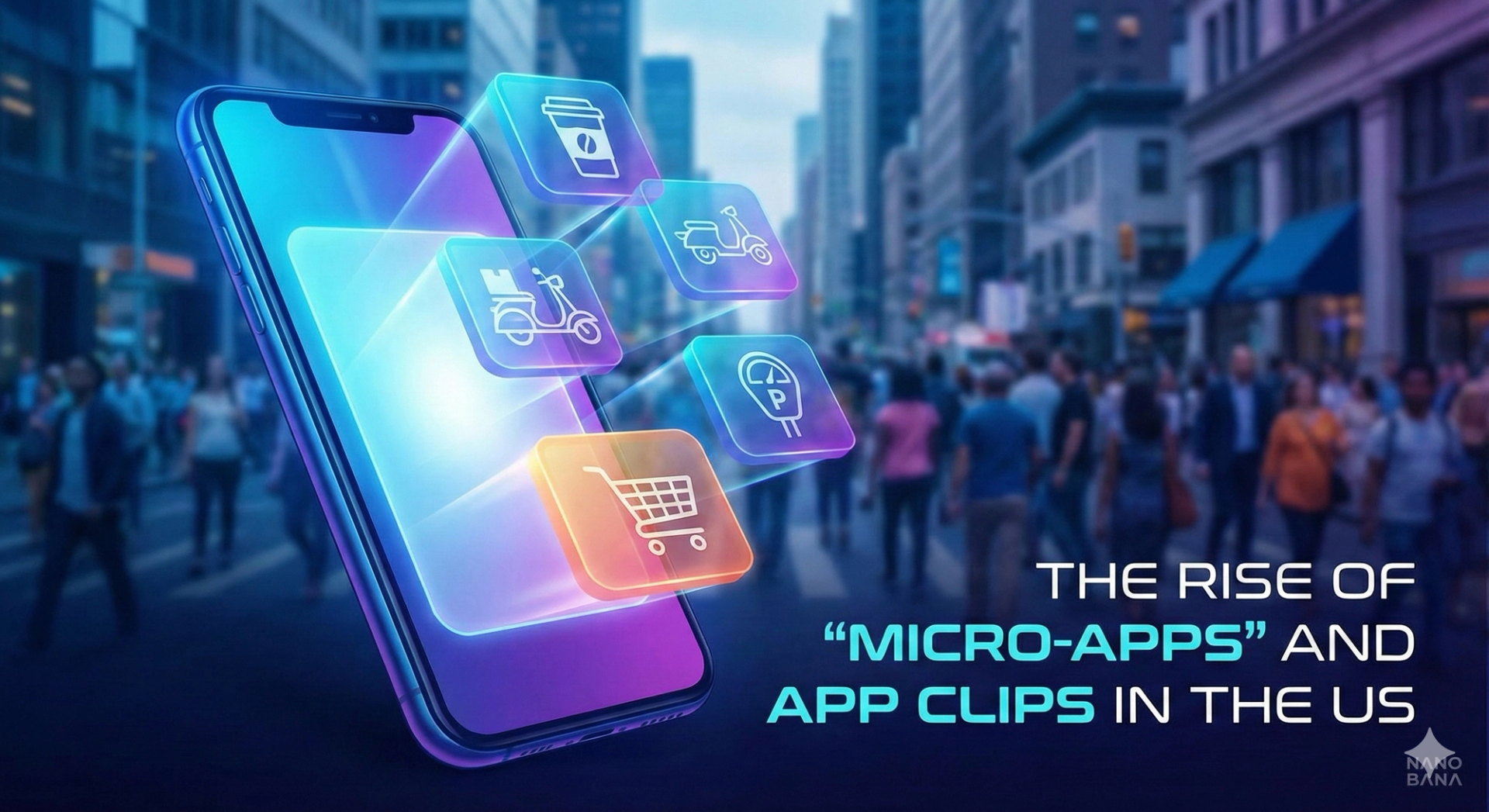
Micro-apps are lightweight slices of a full mobile app that launch instantly from a QR code, NFC tag, or link, with no App Store download. On iOS they are called App Clips. They exist to remove the biggest drop-off point in physical-world transactions: asking a customer to install an app before they can pay you.
Think about the last time you paid for parking in a US city. A sign told you to download an app. You stood in the rain watching a 120 MB progress bar, then created an account, verified an email, and typed in a card number. Half the people behind you drove off. That funnel is why micro-apps exist.
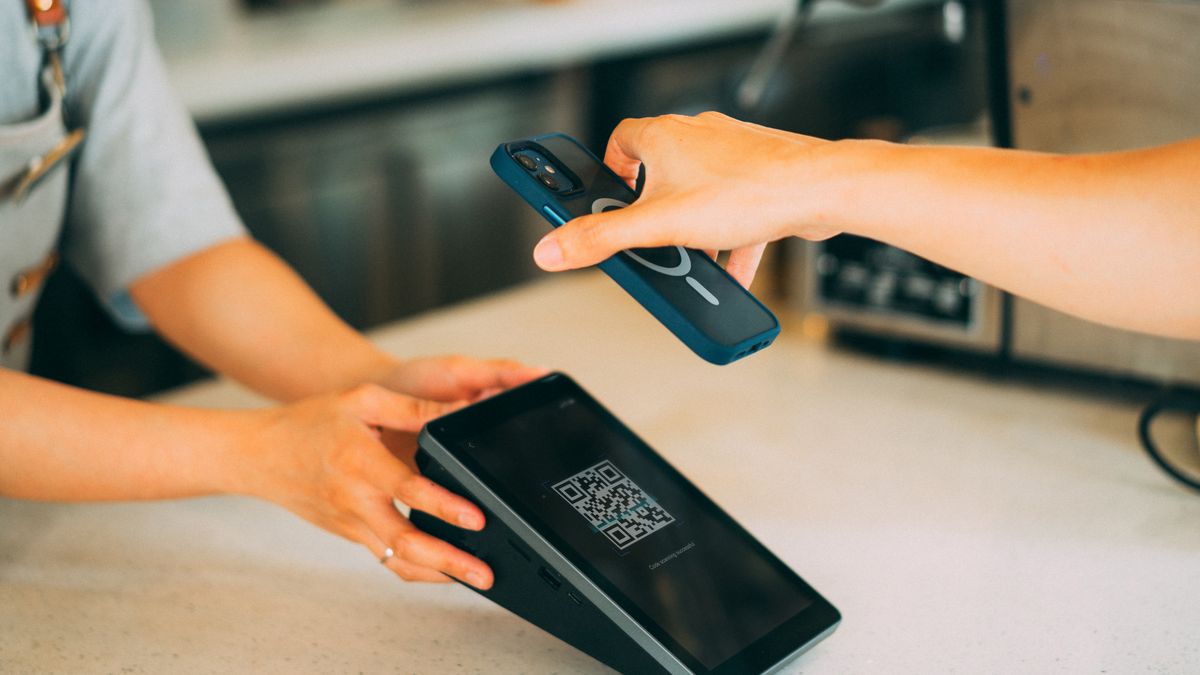
An App Clip is a small, focused part of your iOS app that runs the moment a user scans a QR code, taps an NFC tag, taps a link in Messages or Safari, or taps a place card in Apple Maps. No App Store visit, no install screen, no account wall. Apple's App Clips documentation frames them as a small part of your app, discoverable at the moment it is needed. The clip handles one job: pay for the charger, order the sandwich, start the scooter.
On Android, the equivalent concept was Instant Apps, delivered through Google Play Instant. Same promise: tap a link, run a slice of the app without installing it. We will get to why that story ends differently, because in 2026 the two platforms are no longer symmetrical.
The category matters because the install funnel is brutal. The traditional path is download, sign up, verify email, add a card, then transact, and every step sheds users. A micro-app collapses that into scan, glance, pay. Apple Pay handles payment with a double-click, and Sign in with Apple handles identity if you need it at all.

Micro-apps win wherever a stranger needs to transact with a physical location right now and will never transact with it again, or not often enough to justify an install.
The proven use cases in the US:
The pattern across all of these: high-intent user, low relationship, physical trigger. When those three line up, the micro-app converts and the full app does not. When the user needs your product daily (banking, fitness, messaging), the full install still wins, and the clip becomes a top-of-funnel taste that ends with a soft install banner. That prompt lands far warmer than a cold App Store ad because the user has already experienced the product.
There is a discovery angle too, and most teams miss it. App Clips can surface in Apple Maps place cards and Spotlight search, so a restaurant can show an action button directly on its Maps listing and turn a map search into a transaction without a website visit. For local businesses that is a real acquisition channel, and it pairs naturally with the platform shifts we cover in mobile app development trends for 2026.
Effectively, yes. Google spent years soft-pedaling Google Play Instant, then wound it down in 2025: Android Studio removed support for building instant app modules, and Google's own Google Play Instant documentation now reads as legacy reference, not roadmap. Adoption never reached critical mass, the tooling was awkward, and Google's real answer to instant experiences was already sitting in Chrome.
That answer is the web. On Android, the micro-app job is done by a well-built progressive web app: a QR code opens a URL, the page loads in a second, Google Pay handles payment through the browser, and there is nothing to install. Google's web.dev PWA guidance covers the installability and offline patterns if you want the app-like shell.
So the honest 2026 architecture for a US business is asymmetric:
The QR code on your parking meter should route by platform: iPhone users get the App Clip invocation, Android users get the web flow. Users never see the seam. Teams that budget for "an App Clip and an Instant App" are budgeting for 2021.
App Clips have hard binary size limits: 15 MB uncompressed for clips launched from physical invocations like QR codes and NFC tags, and up to 50 MB on iOS 17 and later for clips invoked only from links. On iOS 15 and earlier the ceiling was 10 MB. These numbers are strict. Exceed them and you do not ship.
You cannot get there by shrinking your existing app. The average US retail app carries years of accumulated SDKs: three analytics packages, an A/B testing framework, a chat widget, and a marketing suite nobody remembers integrating. A clip forces you to draw a line around the one flow that makes money and cut everything else.
In practice that means:
Here is the opinion we hold after shipping 30+ projects to production since 2024: the size limit is the best thing about App Clips. It forces the discipline most mobile codebases lost years ago. Teams come out of a clip project with a cleaner core app, faster cold starts, and a payment flow that finally has test coverage.
From the field: the recurring pattern in our client work is the demo that impressed everyone in a meeting and fell apart on real data. Micro-apps are unusually exposed to this. A clip demo on office Wi-Fi with a hand-picked QR code always works. A clip in a parking garage with one bar of LTE, an expired card, and a user who has never seen your brand is a different product. Most of the engineering in a good App Clip is reliability work on that first cold launch. The demo is a week. The 99% case is the project.
For the physical-trigger use cases, yes, and the mechanism is simple arithmetic. Every removed step recovers the users who would have abandoned at it. The classic install funnel has five or six steps between intent and payment; a clip has two, scan and pay. The real question is whether your use case fits the pattern:
| Situation | Right tool | Why |
|---|---|---|
| One-time physical transaction (parking, rental, pay-at-pump) | App Clip + Android web flow | High intent, no relationship, speed is everything |
| Repeat local customer (weekly coffee order) | Clip as entry, full app for loyalty | Clip converts the first order, app owns the habit |
| Content or browsing experience | PWA or website | No transaction to compress, install prompt is pure friction |
| Daily-use product (banking, fitness, SaaS) | Full native app | Retention features need the full runtime |
| Internal tools for staff | Full app or web app | Distribution is controlled, instant launch buys nothing |
Measure a clip like a checkout, not like an app. The numbers that matter are scan-to-payment completion rate, time to first transaction, and clip-to-full-app install rate if retention is a goal. Session length and DAU are the wrong lenses for a product whose entire job takes 40 seconds.
An App Clip is not a separate app, so it does not carry a separate app's budget, but it is also not a checkbox in Xcode. The work is the flow extraction, the size discipline, the invocation setup (QR codes, NFC tags, App Clip Codes, associated domains), and the reliability engineering on the cold-start path.
From our fixed-price work, which runs $4,000-$30,000 across project types:
Ongoing cost is low: the clip ships inside your existing app bundle and review process. The main recurring work is keeping dependencies from creeping back over the size limit, so put a size check in CI on day one.
If you are weighing this against a broader mobile roadmap, our mobile app development services page covers how we scope native, cross-platform, and web builds against each other.
15 MB uncompressed for App Clips launched from physical invocations such as QR codes, NFC tags, and App Clip Codes. Clips invoked only from links can reach 50 MB on iOS 17 and later. On iOS 15 and earlier the limit was 10 MB. The limits are enforced at submission, so treat them as architecture constraints from the first sprint, not a compression problem for the last one.
No. App Clips are an Apple technology and run only on iOS. Google's equivalent, Instant Apps via Google Play Instant, was wound down, with Android Studio dropping support in 2025. On Android the practical replacement is a fast progressive web app reached by the same QR code, with your invocation URL routing each platform to the right experience.
No. That is the point. The clip launches directly from the invocation (QR code, NFC tag, link, or Apple Maps place card) after a brief system card confirms the action. The full app never has to be installed. If the user later installs the full app, it replaces the clip and can inherit its data.
Within our $4,000-$30,000 fixed-price range, a clip added to an existing modular iOS app sits at the low end and takes around 3-4 weeks. Pairing it with an Android web flow raises scope to mid-range. A poorly modularized existing app adds refactoring time, which is worth doing anyway because the full app inherits the cleanup.
For physical-world transactions in the US, they are becoming the default expectation. Nobody wants to install an app to pay a parking meter, and the businesses that remove that demand convert the customers standing in front of them. For everything else, full apps and the web keep their jobs. Micro-apps are a tool for a specific funnel, not a replacement platform.
If you have a physical touchpoint where customers stall at "download our app," that is usually a 30-minute conversation to scope and a few weeks to fix. We offer a free 30-minute scoping call, we respond within two business days, and every engagement ships with 100% code ownership, so the clip, the app, and the repo are yours.
Tell us about the transaction you want to make instant at /start-project, or read more about how we build across mobile platforms. We take on two engagements per quarter, so if the parking meter QR code is part of your summer plan, earlier is better.
A serial maker of SaaS products and AI agents, I’ve built and launched 10+ tools, grown products to thousands of users, and taken multiple ventures. I share the process what works, what breaks, and how builders can ship faster and smarter. Previously a data scientist at a Big Four consulting firm.


