

Generative UI replaces the chat window with interfaces rendered on demand. What it is, the patterns that ship, mobile agent UX, and when chat still wins.

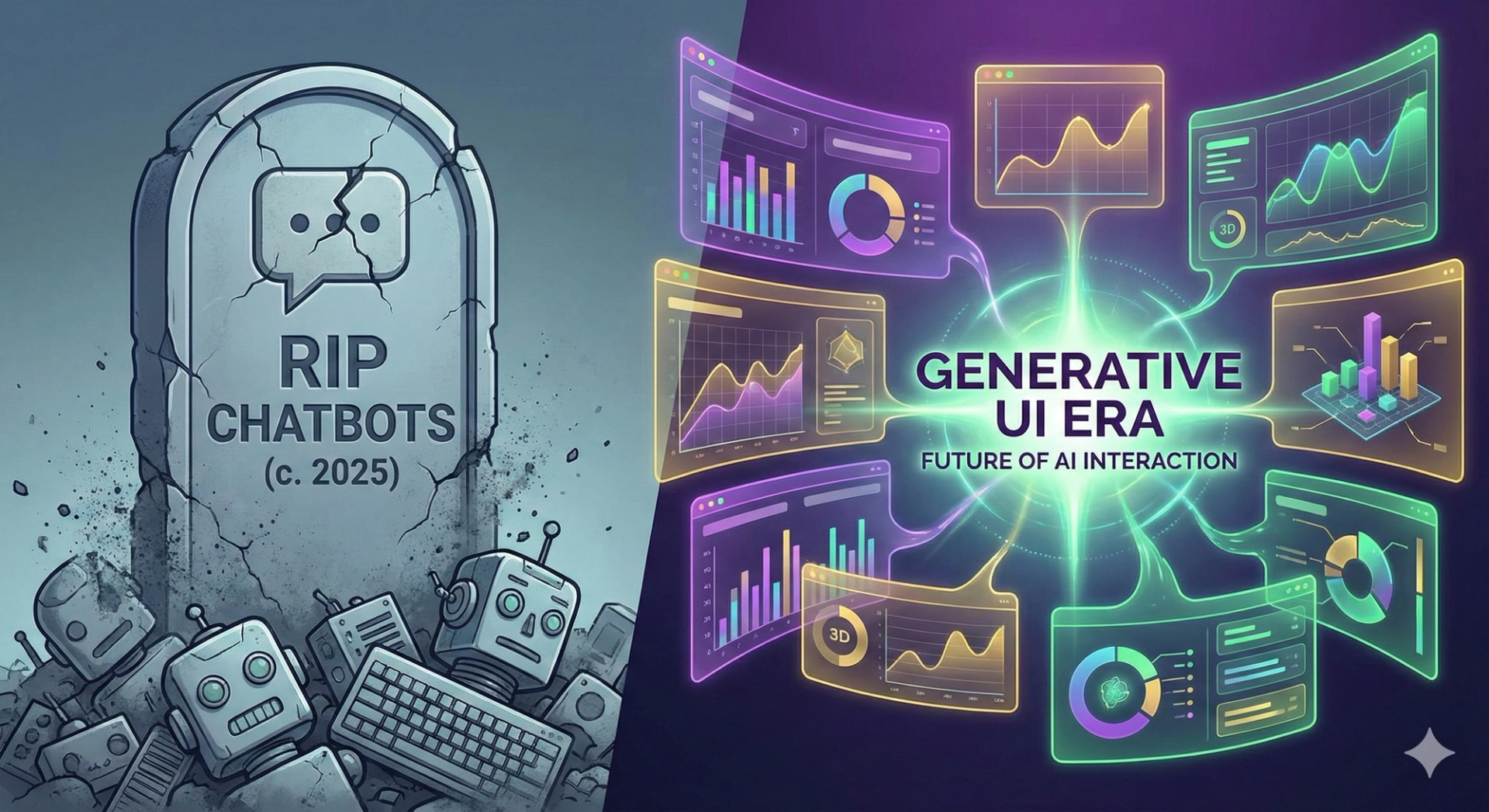
Generative UI is the shift from AI that answers in text to AI that renders the interface itself: charts, tables, forms, and buttons generated on the fly for each request. Chat will not disappear, but as the default interface for AI products it is dying, and interfaces assembled in real time are replacing it.
Since late 2022, almost every founder, PM, and designer has adopted the same pattern for their AI feature: the chatbot sidepanel. Main app on the left, a little chat window on the right. It feels tacked on because it is. For most business software, analytics, finance, project management, chat is a slow way to deliver an answer that was always going to be a chart.
Generative UI (sometimes GenUI) is an architecture where the model does not just stream prose. It streams structured data that your frontend maps to real, interactive components. The model decides that a question deserves a bar chart, calls a predefined <SalesChart /> component, and streams the props into it. The user watches the answer materialize as an interface, not a paragraph.
The clearest analogy is directions. Ask a chat assistant how to get across town and you get a wall of text. Ask a map app and you get an interactive map. This pattern brings that difference to every question your product can answer.
Compare the two responses to the same prompt, "show me my sales for Q4."
The chat version: "Sure. Your Q4 sales were $150,000. October was $40k, November $50k, December $60k, up 20% over Q3." The user now has to parse five numbers out of a sentence and build the trend in their head.
The generated version: an interactive bar chart renders directly in the feed, with tooltips per month and a download button. The interface is the answer. Nielsen Norman Group calls the broader idea outcome-oriented design: the user states the outcome they want, and the interface assembles itself around it.
Chat won by accident. ChatGPT proved the models were good, and the chat window came bundled with the proof. So teams copied the container along with the capability, even where it made no sense.
Here is the problem with that copy-paste. Reading is a serial operation. A user scanning a paragraph for one data point processes it word by word. A table or chart lets them jump straight to the value they need. When the answer has structure, numbers over time, options to compare, a record to edit, prose adds friction and subtracts nothing.
We wrote up the deeper distinction in our AI agent vs chatbot comparison, but the short version is this: a chatbot talks about your data, an agent acts on it, and the generated interface is how that action becomes visible and controllable.
Think in terms of time-to-insight. A chatbot user types a question, waits for tokens, then reads a paragraph: call it 15 seconds to understanding. The second user types the same question and sees the visualization form: closer to 3 seconds. Multiply that gap across every query a customer runs per day and it stops being a design nicety. It is retention.
Building a chatbot is easy. Building generative UI takes a rethink of the frontend. These are the patterns we use in production, most of them supported directly by the Vercel AI SDK's generative user interface tooling, which Vercel introduced with AI SDK 3.0.
The core pattern. You define a catalog of components with typed props (<SalesChart />, <LeadTable />, <InvoiceForm />). Each is registered as a tool the model can call. The model never writes UI code; it selects a component and fills in validated, typed arguments. This is the single most important safety property of the pattern: the model chooses from an allowlist, it does not invent markup.
Components should render as data arrives, not after. A chart skeleton appears immediately, bars fill in as the stream completes. Perceived latency drops even when actual latency does not, and users stop staring at a typing indicator.
A generated component should carry its own next steps. A "riskiest leads" table renders with a "draft follow-up email" button per row. The button triggers the next agent action with full context. This is where the approach beats both dashboards (static) and chat (no affordances): each answer is a small, disposable app.
We have shipped versions of all three patterns across the 30+ projects we have delivered to production since 2024. A self-building CRM view: ask "who are my riskiest leads right now" and get a custom table with last-contact dates, sentiment, and a draft-email action, a mini-app built for that one question. A finance view where "why did our server costs spike yesterday" renders a usage graph overlaid with recent deployments so the correlation is visible instead of described. And in AirWrite, our AI writing assistant, asking it to fix an SEO title renders a purpose-built editor with a character counter and search preview rather than a paragraph of advice.

Mobile is where the chatbot pattern ages worst, because mobile users do not want a conversation at all. They want the task done. The shift in AI agent UX is from answering to executing: a travel app user says "book me a flight to Chicago next Tuesday and a hotel near the Loop under $300," and instead of listing options, the agent calls the flight API, holds the hotel, and renders a single generated itinerary card for approval.
That last word matters. Approval. Autonomous action needs a human-in-the-loop checkpoint, and a rendered interface is exactly that checkpoint. High-stakes actions (payments, emails sent on your behalf, bookings) should render as a confirmation component gated behind a tap or biometric check, not execute silently from a chat message. The generated interface is where autonomy and oversight meet.
Two more mobile-specific pressures push the same direction. On-device inference (Apple's Neural Engine, Snapdragon NPUs) keeps latency low and inference costs down, and it keeps simple generations working on a spotty subway connection. And small screens punish walls of text harder than desktops do; a rendered card beats three paragraphs on a 6-inch display every time. We covered the agentic side of this shift in why 2026 belongs to agentic AI and how to build one.
The chatbot is dying as a default, not as a tool. Chat remains the right interface when:
The mental model we give clients: chat is the command line, generative UI is the results pane. Keep the text box. Stop making text the only thing that comes back.
Under the hood this is agent work plus a component catalog, so it prices like agent work. Our fixed-price ranges:
| Scope | Typical price | Timeline |
|---|---|---|
| Single-purpose agent with a fixed component set | $4,000-$10,000 | 3-4 weeks |
| Multi-step workflow agent with generated components | $10,000-$22,000 | 5-7 weeks |
| Enterprise platform, multiple surfaces | $22,000-$30,000+ | 8-12 weeks, phased |
Running costs are mostly inference: production agents typically run $50-$2,000 per month, and good engineering (caching, model routing, prompt design) cuts that 3-10x. The component approach helps here too, since streaming compact structured props is cheaper than streaming long prose explanations of the same data.
From the field: the most common project we take on starts with a team whose generative UI demo impressed everyone in a meeting and then fell apart on real data. The model picked the wrong component, hallucinated a prop, rendered an empty chart. The demo took a week; the reliability took the engagement. An agent that renders UI needs the same evaluation suite as any other agent, with test cases asserting that a given query produces the right component with the right data. Without that, you have shipped a liability with a prettier interface.
No, and the difference is the whole point. Code-generation tools write new components at build time for a developer to review. Generative UI operates at runtime: the model selects from a catalog of components your team already built, tested, and styled, and fills in typed props. Users never see unreviewed AI-written code, which is what makes the pattern safe to ship.
No. The AI SDK gives React and Next.js teams the fastest path, with streaming component support built in, but the pattern is model-and-framework agnostic. Any stack that supports tool calling and structured output can do it: define components, expose them as tools with typed schemas, validate the arguments, render. We have implemented the same architecture in Flutter for mobile clients.
Rich cards are hand-wired: a developer decided in advance that intent X shows card Y. The generative approach moves that decision to the model at runtime, so it composes components and data in combinations nobody explicitly scripted. The card set is fixed; the interface built from it is not. That flexibility is why evaluation and prop validation matter so much more.
The opposite. Someone has to design the component catalog, the states, and the composition rules the model works within, and that design work is harder than laying out static screens because it must hold up across thousands of unscripted combinations. Designers move from drawing pages to designing systems the model assembles.
If your AI feature is still a text box that answers in paragraphs, the fix is scoped work, not a rebuild. We take on two engagements per quarter, respond within two business days, and every client keeps 100% code ownership of the repo.
Book a free 30-minute scoping call and we will map which of your workflows deserve generated interfaces and which should stay conversational. If you are earlier than that, our chatbot and conversational AI development page covers where we draw the line between chat that works and chat that is a placeholder for the interface your product actually needs.
A serial maker of SaaS products and AI agents, I’ve built and launched 10+ tools, grown products to thousands of users, and taken multiple ventures. I share the process what works, what breaks, and how builders can ship faster and smarter. Previously a data scientist at a Big Four consulting firm.


