

Progressive Web Apps combine the best of websites and native apps. Discover why businesses are choosing PWAs for faster deployment, lower costs, and better reach across all devices.

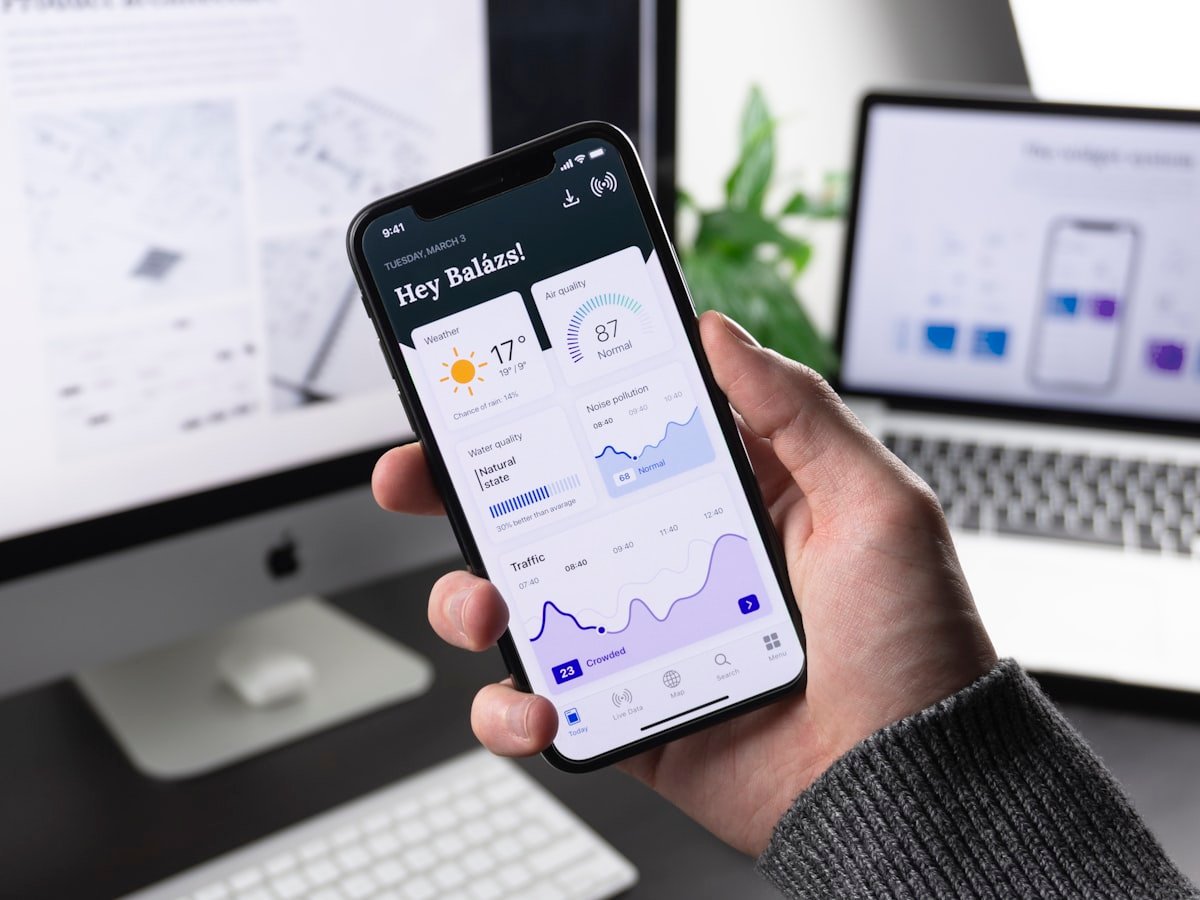
Imagine building one application that works perfectly on iPhones, Android phones, tablets, and desktop computers. No app store approvals. Instant updates. Works offline. Users can install it on their home screen or use it directly in their browser.
This isn't a future vision. It's what Progressive Web Apps deliver today.
PWAs have matured from experimental technology to mainstream choice for businesses needing broad reach without the complexity and cost of native app development. Companies like Twitter, Starbucks, Uber, and Pinterest rely on PWAs to serve millions of users across diverse devices.
For businesses exploring digital strategy in 2026, PWAs deserve serious consideration alongside or instead of traditional native apps.
Progressive Web Apps are websites built with modern web technologies that behave like native mobile apps. They load quickly, work offline, send push notifications, and install on home screens without app stores.
From a user perspective, PWAs feel indistinguishable from native apps. They launch from home screen icons, run in full-screen mode, and provide smooth, responsive interactions.
From a technical perspective, PWAs are websites enhanced with service workers, manifest files, and responsive design to provide app-like capabilities.

Unlike native development requiring separate iOS and Android apps, or even cross-platform frameworks like React Native and Flutter that still target specific mobile platforms, PWAs use standard web technologies that run everywhere.
One codebase serves smartphones, tablets, desktop computers, and any device with a modern web browser. This dramatically reduces development time and maintenance complexity.
Users access PWAs instantly through URLs. No downloading from app stores. No storage concerns. No waiting for app store approval.
For businesses, this means faster deployment, easier updates, and no platform fees or restrictions.
PWAs are discoverable through search engines, unlike native apps hidden behind app store searches. Users finding your business through Google can immediately access your app.
This significantly lowers customer acquisition costs compared to driving app store downloads.
Updates deploy instantly. When you fix bugs or add features, users automatically get the new version. No waiting for users to update their apps.
Building and maintaining one PWA costs substantially less than developing and supporting separate iOS and Android native apps.
For businesses evaluating mobile app development costs, PWAs often provide the best value for broad reach.
Service workers are scripts that run in the background, independent of the web page. They enable offline functionality, background sync, and push notifications.
When a user visits your PWA, the service worker caches important resources. Later, when offline or on a poor connection, the PWA loads from the cache instead of the network.
The manifest is a JSON file defining how the PWA appears when installed. It specifies the app name, icons, colors, display mode, and starting URL.
This makes PWAs feel like native apps when launched from the home screen.
PWAs must serve over HTTPS for security. This protects user data and enables service worker functionality.
PWAs adapt to any screen size, from smartphones to desktop monitors. Responsive design ensures good experiences across devices.

PWAs work without internet connection. Users can browse cached content, interact with features, and queue actions that sync when connectivity returns.
This is crucial for users in areas with spotty coverage or for applications where uninterrupted access matters.
PWAs send push notifications just like native apps. Users opt in, then receive timely updates, reminders, or promotional messages.
Users can add PWAs to their home screen with one tap. The installed PWA launches in standalone mode without browser UI, feeling like a native app.
Modern web APIs give PWAs access to device hardware including cameras, GPS, accelerometer, gyroscope, and more. This enables features previously requiring native development.
Users can take actions offline. PWAs queue these actions and sync with servers when connectivity returns.
For example, users can compose messages, add items to cart, or submit forms offline. Everything syncs automatically when online.
PWAs are ideal when you need:
Native apps are better when you need:
Many businesses implement both, using PWAs for broad reach and native apps for premium experiences.
For businesses exploring AI integration across platforms, both PWAs and native apps now support sophisticated AI features, though implementation approaches differ.
Twitter's PWA reduced data usage by 70%, increased pages per session by 65%, and decreased bounce rate by 20%. The PWA loads in under 3 seconds on slow connections.
Starbucks built a PWA for ordering that works offline. Users can browse the menu, customize drinks, and add to cart without connectivity. Orders sync when online. The PWA is only 233KB, compared to their iOS app at 148MB.
After launching their PWA, Pinterest saw 60% increase in core engagements, 44% increase in user-generated ad revenue, and 40% increase in time spent on site.
Uber's PWA provides core ride-booking functionality that loads in 3 seconds on 2G networks. The stripped-down experience enables market expansion in regions with limited connectivity or older devices.
HTTPS Certificate Your website must serve over HTTPS. Free certificates from Let's Encrypt make this straightforward.
Service Worker Implement a service worker handling caching, offline functionality, and background sync.
Web App Manifest Create a manifest file defining your PWA's appearance and behavior when installed.
Responsive Design Ensure your PWA adapts to all screen sizes and orientations.
Performance Optimization PWAs should load quickly even on slow connections. Optimize images, minimize JavaScript, and implement efficient caching strategies.
Several frameworks simplify PWA development.
React Create React App includes PWA support by default. React's component model works excellently for building responsive, app-like interfaces.
Vue.js Vue CLI generates PWA-ready applications. Vue's lightweight nature produces fast-loading PWAs.
Angular Angular has built-in PWA support through the Angular CLI and service worker module.
Next.js This React framework adds server-side rendering for even faster initial loads while maintaining PWA capabilities.
Svelte Svelte compiles to vanilla JavaScript, creating exceptionally fast PWAs with small file sizes.
1. Plan Your PWA Define core features, user flows, and offline functionality. Determine what users need even without connectivity.
2. Design Responsive UI Create interfaces that work beautifully on phones, tablets, and desktops. Mobile-first design typically works best.
3. Implement Core Features Build your application using modern JavaScript frameworks and responsive CSS.
4. Add PWA Features Implement service worker for caching and offline support. Create manifest file for installation. Add push notification capability.
5. Optimize Performance Minimize load times through code splitting, lazy loading, and efficient caching strategies.
6. Test Across Devices Validate functionality on various devices, browsers, and network conditions. Test offline modes thoroughly.
7. Deploy and Monitor Deploy to CDN for global performance. Monitor analytics to understand usage patterns and identify improvements.
Cache First Serve cached content immediately, updating cache in background. Best for static assets.
Network First Try network request first, falling back to cache if offline. Good for frequently updated content.
Stale While Revalidate Serve cached content immediately while fetching fresh content for next time. Balances speed and freshness.
Load only code needed for current page. Defer loading other code until needed. This reduces initial load time significantly.
Use modern formats like WebP for smaller file sizes. Implement lazy loading so images load as users scroll. Provide multiple resolutions for different screen sizes.
Inline styles needed for initial render to avoid waiting for CSS downloads. Defer non-critical styling.
PWAs must use HTTPS to protect user data and enable service workers. This is non-negotiable.
Implement strict CSP headers to prevent XSS attacks and unauthorized code execution.
Be careful with sensitive data in caches or local storage. Encrypt sensitive information even in local storage.
Use proper authentication and authorization for API requests. Never expose sensitive credentials in client-side code.
While PWAs don't require app stores, you can optionally list them. Microsoft Store accepts PWAs directly. Google Play allows PWA distribution through TWA (Trusted Web Activity).
This provides app store visibility while maintaining PWA benefits.
PWAs are fully indexable by search engines. Implement proper metadata, structured data, and the SEO fundamentals documented by Google Search Central.
Unlike native apps hidden behind app stores, PWAs gain organic traffic through search.
PWAs are easily shareable through URLs. Users can share directly to social media without friction.
Implement Open Graph tags for rich previews when shared.
Prompt users to install your PWA at appropriate moments. Don't interrupt their experience immediately. Wait until they've used the PWA and found value.
Load Time Target under 3 seconds on 3G connections. Use tools like Lighthouse to measure and optimize.
Offline Functionality Ensure core features work offline. Test thoroughly on poor connections.
Installation Rate Track how many users install your PWA to home screen. Higher installation indicates value.
Engagement Metrics Monitor session duration, pages per session, and return visit rate. PWAs should show higher engagement than standard websites.
Conversion Rate Measure business objectives like purchases, signups, or lead submissions. PWAs typically show improved conversion versus mobile websites.
Integrate Google Analytics or similar tools to track user behavior. Monitor offline usage separately to understand the full picture.
Track service worker performance to identify caching issues or opportunities for improvement.
Apple has historically been slower to adopt PWA features. Recent iOS versions improved significantly, but some gaps remain compared to Android.
Solution: Design core functionality to work within iOS capabilities. Treat advanced features as progressive enhancement.
Push notifications require backend infrastructure and user permission management.
Solution: Use services like Firebase Cloud Messaging or OneSignal that handle complexity for you.
Determining what to cache and how to handle offline actions requires careful planning.
Solution: Start simple. Cache essential assets and content. Gradually add sophisticated offline capabilities as you understand user needs.
Browsers limit cache and storage sizes, though limits have increased substantially.
Solution: Implement intelligent cache management, removing old or rarely accessed content. Prioritize critical resources.
PWA capabilities continue expanding as browser vendors implement new web APIs.
File System Access Direct file system integration for desktop-class applications.
Advanced Graphics WebGPU brings console-quality graphics to PWAs.
Web Assembly Near-native performance for computationally intensive tasks.
Bluetooth and NFC Improved hardware integration for IoT and payment applications.
App Shortcuts Deep linking and quick actions from home screen icons.
Ready to build your first PWA?
Progressive Web Apps represent the convergence of web and mobile. They deliver app-like experiences without app store friction, serve users across all platforms from one codebase, and provide businesses significant advantages in deployment speed and cost efficiency.
In 2026, PWAs are no longer experimental. They're a proven, mature technology powering applications for millions of users worldwide. Whether you're building a new application or reconsidering your mobile strategy, PWAs deserve evaluation alongside traditional approaches.
The businesses succeeding with PWAs understand they're not trying to replicate native apps perfectly. Instead, they're delivering value through instant access, broad reach, and excellent performance. For many use cases, these advantages outweigh any limitations compared to native development.
If your application relies on content delivery, e-commerce, engagement, or frequent user interaction across multiple devices, a PWA might be exactly what you need.
A serial maker of SaaS products and AI agents, I’ve built and launched 10+ tools, grown products to thousands of users, and taken multiple ventures. I share the process what works, what breaks, and how builders can ship faster and smarter. Previously a data scientist at a Big Four consulting firm.


